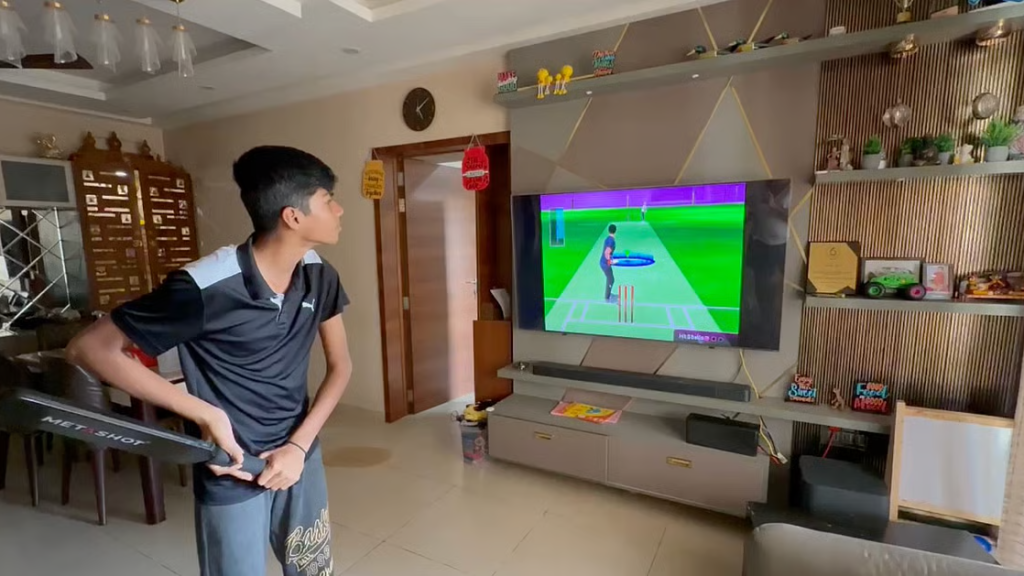

A living room can host a game, a conversation, and a calm phone screen at the same time when the setup favors readability and predictable cues. The phone should complement the TV rather than compete with it. With a small set of durable signals, a layout that holds its shape under warm light, and a tidy end-of-session routine, live cricket becomes a context that supports the evening instead of stealing it.
Set the Living-Room Baseline
A stable baseline starts with legibility that survives movement between sofa and kitchen. Dark mode with firm contrast keeps thin numerals clear. Mid-high brightness avoids PWM shimmer in quick photos near the TV. Keep strike rate, balls remaining, and wickets in hand within one glance to reduce needless swiping when messages arrive. Local times beside fixtures help late arrivals sync without mental math. Quiet banners with precise copy work better than tones in shared rooms, and a relaxed auto-lock window prevents wake taps that shake framing. Align TV and phone cadence once at the start, then leave both alone. The point is predictability – a surface that reports state changes and then gets out of the way.
A shared map removes guesswork for guests who dip in and out. Confirm where powerplay, middle, and death labels appear, how reviews render, and which pane holds the recap. Align captions and small talk to those same nouns to avoid re-explaining icons mid-over. If a neutral reference helps, scan a concise explainer and then read more to lock names, phase markers, and recap placement in one place, so, the next tap feels like continuation rather than a search. Once vocabulary and zones are fixed, the phone behaves like an instrument panel while the TV stays the main stage.
Broadcast Sync Without Guesswork
Timing drift bends perception when audio, replay, and scoreboard live on different clocks. Treat the phone board as ground truth for state transitions, then pair each change with one corroborating cue. Wickets in hand should ride beside required rate. Balls-per-boundary should be read alongside the current field. If elements disagree for a moment because Wi-Fi is busy, wait a single beat for reconciliation instead of pushing reactive notes. Haptics for “over start,” “innings break,” and “result posted” keep rhythm without taking over the room. Captions ought to reuse on-screen labels, because consistent language shortens glance time and prevents corrections later.
Micro-latency checks
Small checks keep the flow honest when replays land a second late. Note the broadcast’s usual delay once, then let the scoreboard drive decisions. If a wicket icon posts before the TV shows the edge, hold fire until the over counter advances. When phones show banding around LED lighting, nudge shutter to match 50/60 Hz before grabbing a milestone frame. Keep previews muted in chat apps so stacked cards do not bury useful posts on older devices. Above all, publish on confirmed state, not on hype. That single habit preserves trust across rooms where clocks rarely agree.
Cues That Survive Small Screens
Phones favor signals that land at arm’s length without a dashboard. Balls-per-boundary shows whether batters are piercing gaps or getting held by the ring. Dot-ball clusters reveal where pressure builds across five or six deliveries. Required versus current rate carries meaning only when paired with wickets in hand, because tolerance for risk shrinks late. Wind and dew nudge lofted hitting and slower-ball grip in ways that show up as carries that die inside the rope. Keeping these cues near the score turns a glance into action while the TV holds the scene, so the room keeps its rhythm and choices stay measured.
- Name the phase first, then state the change in one clause.
- Track balls-per-boundary to see if fields or change-ups are winning gaps.
- Use dot-ball rate to spot momentum leaks within a single matchup.
- Pair required rate with wickets in hand to avoid misleading spikes.
- Note wind or dew only when they alter carry or slower-ball grip at the rope.
Payments and Profiles That Stay Polite
Money movement behaves best when it reads like a timetable. Deposit windows belong inside the cashier and should be written in hours or business days, which sets expectations without side trips to support. Withdrawal caps and daily ceilings need to live beside the amount field where decisions happen. A compact receipt – amount, rail, reference ID, and local timestamp – lets reconciliation finish on the sofa. Statements and email subjects should mirror on-screen actions, because consistent nouns protect shared inboxes. Separating deposits, bonuses, adjustments, and cash-outs in a ledger turns end-week review into a two-minute pass that fits between episodes without stress.
End On Time, Start Lighter Tomorrow
Clean closings protect attention for the next plan. Stop on a posted checkpoint – innings break, target reached, or a timer set during setup – rather than on a mood that drifts with the room. Submit one request inside limits and keep the reference line, then confirm that recap, ledger, and balance tell the same story on a single screen. Save one context capture that matters, such as the over that flipped pace or the partnership that throttled boundaries, and file it where next-day notes live.