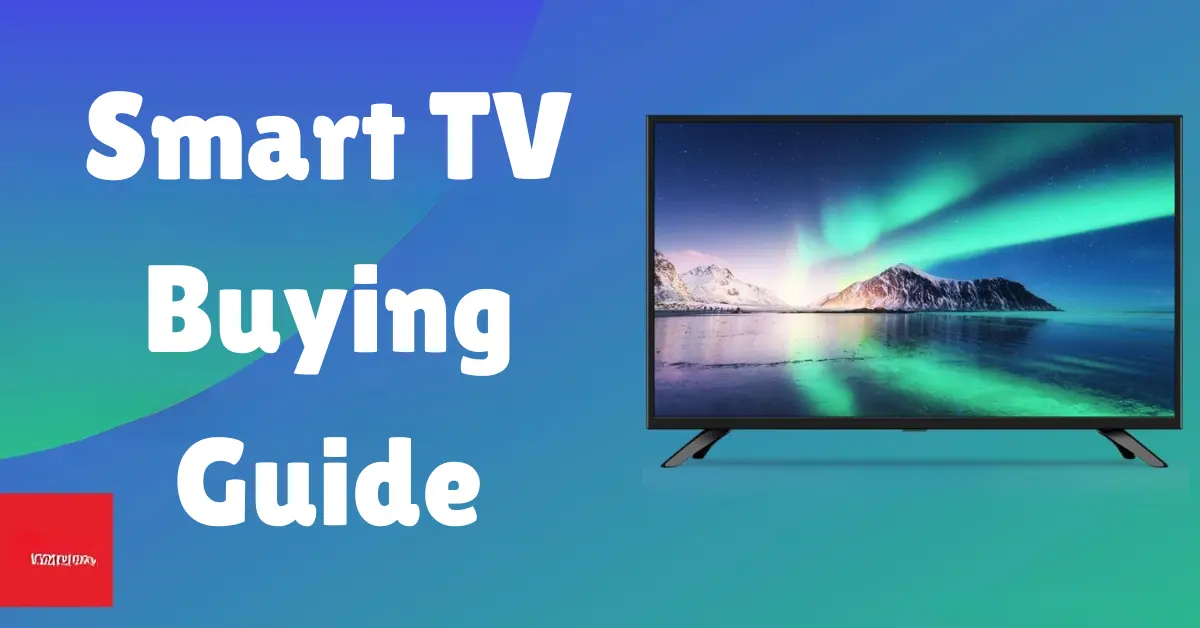


Let’s be honest—shopping for a new smart TV can feel like a tech maze. With so many sizes, resolutions, features, and prices to consider, it’s easy to get overwhelmed. But you’re not alone, and the good news is that finding your perfect TV match doesn’t have to be confusing.
This smart TV buying guide will break things down for you step by step. Whether you’re a binge-watcher, a serious gamer, or just looking to enjoy family movie nights, this guide will help you make the right choice—without the stress.
✅ What is a Smart TV?
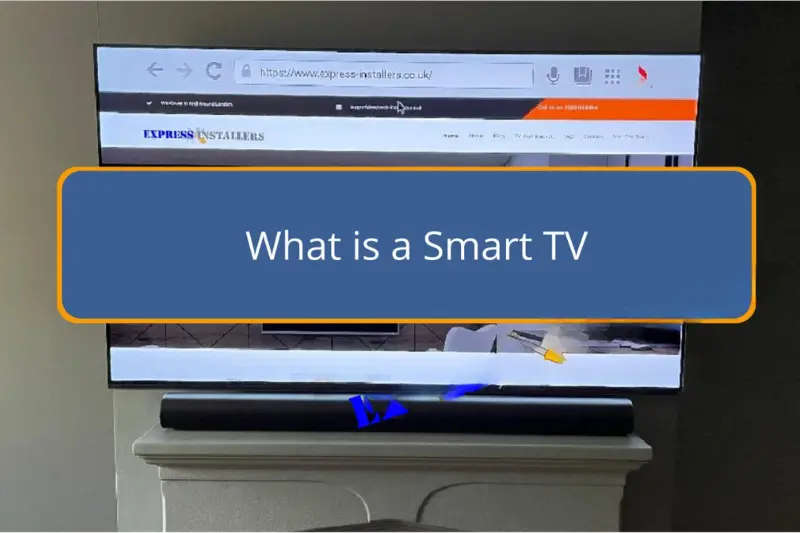
A smart TV is more than just a screen—it’s a window to a world of content. Unlike traditional TVs, smart TVs connect to the internet and give you access to apps like Netflix, YouTube, Amazon Prime Video, Disney+, and more. You can browse the web, stream music, control your home devices, or even mirror your phone screen.
In short, a smart TV is your all-in-one entertainment hub.
📺 1. Choosing the Right Display Type: LED vs OLED vs QLED
Not all screens are created equal. The type of panel your TV uses can drastically affect picture quality, viewing angles, brightness, and even price.
LED (Light Emitting Diode) TVs
- Most common and budget-friendly option.
- Uses backlighting with an LCD screen.
- Good for general use.
QLED (Quantum Dot LED) TVs
- Brighter and more vibrant colors than standard LED.
- Better contrast and deeper blacks.
- Great for bright rooms and vivid picture lovers.
- Mostly offered by Samsung and a few other brands.
OLED (Organic LED) TVs
- Each pixel lights up individually—no backlight needed.
- Offers perfect blacks and stunning contrast.
- Ideal for dark rooms and movie lovers.
- Thinner, more flexible screens but typically more expensive.
Mini-LED or MicroLED TVs
- Newer tech that offers better contrast control.
- Great option if you want something between QLED and OLED.
Bottom line: If picture quality is your top priority, go for OLED. If you want a great picture but at a more affordable price, QLED or LED will do the trick.
📏 2. What Screen Size Should You Choose?
Size matters—but it’s not just about getting the biggest screen. It should fit your room and viewing distance.
Here’s a quick guide:
| Viewing Distance | Recommended Size |
| 4–6 feet | 32″–43″ |
| 6–8 feet | 43″–55″ |
| 8–10 feet | 55″–65″ |
| 10+ feet | 65″–85″+ |
Pro Tip: Measure your room and decide how far you’ll sit from the TV. Divide that number (in inches) by 2 to get a rough size recommendation.
🔍 3. Understanding TV Resolution: HD, Full HD, 4K, and 8K
HD (720p)
- Found in very small and older TVs.
- Not recommended today unless on a tight budget.
Full HD (1080p)
- Better clarity than HD.
- Still acceptable for small TVs, especially under 43”.
4K Ultra HD (2160p)
- The current standard for most TVs.
- Four times sharper than Full HD.
- Best choice for streaming, gaming, and long-term use.
8K (4320p)
- Ultra-premium resolution.
- Very little native content available yet.
- Only worth it if you’re future-proofing or buying an ultra-large TV.
Verdict: For most people, a 4K TV hits the sweet spot between price and performance.
You may also like to read this:
Best 10 Future Gadgets And Devices For Everyday Use
Top 8 Cutting-Edge Technology Shaping The Future In 2025
Best Smart TVs 2025: Affordable To Premium Options
What Is Smart TV Technology? Key Features & How It Works
Top 11 Smart TV Features To Upgrade Your Entertainment
Latest Smart TV Models 2025: Top Picks For Every Home
📱 4. Smart Features: What Makes a TV “Smart”?
Not all smart TVs are equally “smart.” Here’s what you should look for:
- Streaming apps: Built-in support for Netflix, Hulu, Prime Video, Disney+, etc.
- Voice assistants: Support for Google Assistant, Amazon Alexa, or Apple’s Siri.
- Operating system: Look for user-friendly platforms like:
- Google TV/Android TV
- Roku TV
- Tizen (Samsung)
- webOS (LG)
- Google TV/Android TV
- Casting & mirroring: Easily display your phone, tablet, or laptop screen.
- Smart home integration: Connect to lights, thermostats, or security systems.
Bonus tip: If your household already uses Alexa or Google Home, make sure the TV you choose supports that system.
🎮 5. For Gamers: What Features Should You Prioritize?
Gamers need a TV that keeps up with the action. Here are the must-haves:
- Low input lag: Faster response time means quicker actions in games.
- High refresh rate (120Hz): Smooth visuals for fast-paced gameplay.
- HDMI 2.1: Required for next-gen consoles like PS5 and Xbox Series X.
- Game Mode: Optimizes settings automatically when gaming is detected.
- VRR (Variable Refresh Rate) and ALLM (Auto Low Latency Mode): For an even better experience.
🔊 6. Don’t Forget Audio Quality
Most TVs today have thin profiles, which means smaller speakers. If you care about sound:
- Choose a TV with Dolby Atmos or DTS:X support.
- Consider a soundbar or home theater system for enhanced audio.
- Look for Bluetooth or HDMI ARC if you plan to connect external speakers.
🔌 7. Check Connectivity Options
A smart TV should come with enough ports for your devices.
Must-haves:
- At least 3 HDMI ports (for gaming console, streaming device, soundbar, etc.)
- USB ports (for playing media or powering devices)
- Optical or audio out port
- Wi-Fi (and preferably Ethernet for stable streaming)
- Bluetooth (for headphones and accessories)
💵 8. Budget: What Can You Expect at Different Price Ranges?
Here’s a breakdown of what different budgets can get you:
| Budget | What You Get |
| Under $300 | Basic smart TVs, 32–43”, HD or Full HD |
| $300–$700 | 4K resolution, better smart features, 43–55” |
| $700–$1,200 | QLED/OLED options, large screens, gaming features |
| $1,200 and up | Premium OLED, 8K, advanced processors, 65”+ |
Tip: Don’t just buy for size—look at the overall feature set.
🏷️ 9. Popular Smart TV Brands: What’s the Difference?
Not all brands are the same—and while many offer similar features, each has its strengths.
Samsung
- Known for QLED displays, vivid colors, and user-friendly Tizen OS.
- Great for general users, movie watchers, and smart home integration.
LG
- The king of OLED technology—perfect blacks and immersive contrast.
- Runs on webOS, which is intuitive and fast.
- Ideal for cinephiles and gamers.
Sony
- Offers both OLED and LED options with superb image processing.
- Google TV interface is excellent for content search and recommendations.
- Best for users who want superior image accuracy.
TCL
- Budget-friendly, especially in mid-range 4K TVs.
- Roku TV is simple and effective for streaming.
- A great pick for casual users or those on a tighter budget.
Hisense
- Affordable with surprisingly good performance.
- Offers both Google TV and Roku TV versions.
- Perfect for budget-conscious buyers looking for smart features.
♻️ 10. Energy Efficiency & Eco-Friendly Features
With rising energy costs and climate awareness, it’s smart to think green.
- Look for Energy Star certified TVs.
- OLED TVs are generally more efficient than LED or QLED for darker content.
- Many TVs now have Eco Modes that adjust brightness to save power.
- Turn off motion smoothing and reduce backlight to save energy and extend lifespan.
🚀 11. Smart TV Trends to Watch in 2025
As technology evolves, so do smart TVs. Here’s what’s trending right now:
- AI-powered picture adjustments: TVs now use AI to enhance picture based on your environment.
- Cloud gaming integration: Play high-end games without a console (like Xbox Cloud Gaming).
- Advanced voice control: More natural conversations and smarter assistants.
- 321: TVs can now control your lights, thermostat, and security.
- Multi-view/multi-screen: Watch two things at once or cast your phone while streaming.
✅ Final Buying Tips
Before you click “Add to Cart” or head to the store:
- Read customer reviews to understand real-world usage.
- Compare models online to find the best deal.
- Check for return policies, especially if buying online.
- Visit a showroom if possible to see the picture and try the interface.
- Look for warranty coverage—a longer one is always better.
🏁 Conclusion: Smart TV Buying Guide
Buying a smart TV doesn’t have to be complicated—it just takes the right information and a little planning. Whether you’re upgrading for better streaming, building a gaming setup, or simply want to modernize your living room, the perfect smart TV is out there waiting for you.
Focus on what matters most for your lifestyle—be it screen size, picture quality, smart features, or budget. Don’t fall for flashy specs alone; instead, look at how the TV fits into your everyday routine. The right smart TV will not only enhance your viewing experience but also blend seamlessly into your connected home.
So take your time, compare wisely, and choose a model that checks all your boxes. With this smart TV buying guide, you’re now fully equipped to shop smart and watch smarter.
❓ FAQs
Q1: Do I need internet to use a smart TV?
A: Yes, an internet connection is essential to access smart features like streaming apps, updates, and online browsing. However, you can still use a smart TV without internet for basic functions like watching cable or using external devices via HDMI.
Q2: Can I install new apps on a smart TV?
A: Most smart TVs allow you to install or download additional apps through their built-in app stores. The availability depends on the TV’s operating system (like Android TV, Roku, or Tizen).
Q3: Which is better—Android TV, Roku TV, or Tizen?
A: All are great, but it depends on your preference:
Android TV/Google TV offers more apps and better Google integration.
Roku TV is user-friendly with a simple interface
Tizen (Samsung) and webOS (LG) are smooth and responsive with built-in voice assistants.
Q4: How long does a smart TV last?
A: A good smart TV can last 7–10 years, depending on usage and care. Premium models may last longer, especially if they receive regular software updates.
Q5: Are smart TVs good for gaming?
A: Yes, especially if you choose one with low input lag, 120Hz refresh rate, HDMI 2.1, and Game Mode. OLED and high-end QLED TVs are ideal for serious gamers.